
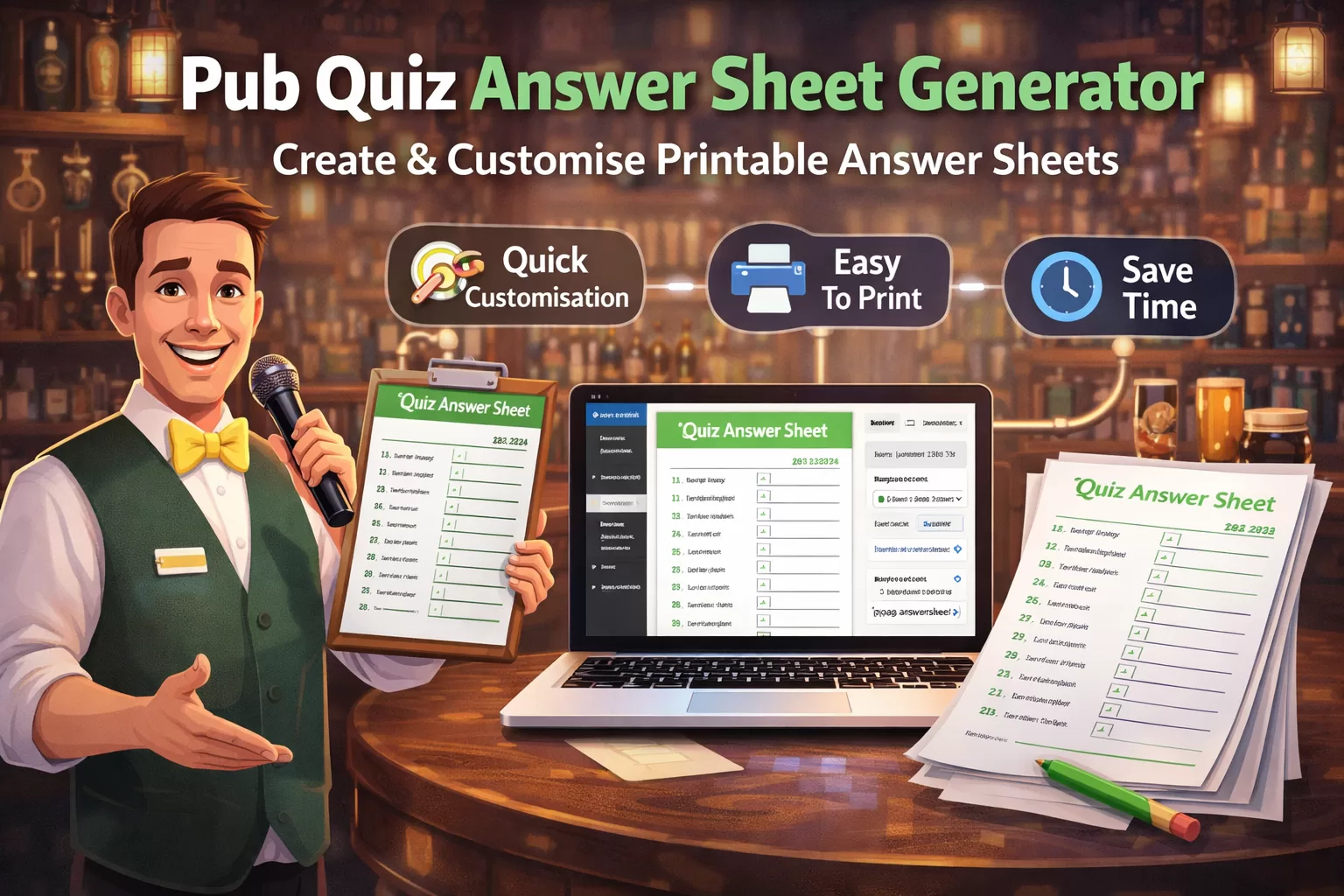
Create Printable Pub Quiz Answer Sheets in Minutes with a Custom WordPress Builder
Running a pub quiz can be great fun, but preparing everything beforehand often takes more time than people expect. One of the most repetitive jobs is putting together answer sheets that look clear, fit the round format, and are easy for teams to fill in on the night. That is exactly where a custom pub quiz answer sheet builder can save a huge amount of time.
This new WordPress-based tool is designed to help quizmasters create fully customisable printable answer sheets in just a few minutes. Instead of building sheets manually in Word, Canva, or spreadsheets every week, you can generate a professional-looking layout directly from your website and download it as a PDF ready for printing.
Why Quizmasters Need a Faster Answer Sheet System
A lot of quiz hosts still create answer sheets from scratch each week. That usually means copying old files, changing round names, adjusting row counts, adding a team name line, squeezing in a bonus round, and trying to make sure everything still fits neatly on one A4 sheet.
That process becomes even more frustrating when:
- one quiz has 2 rounds and another has 4
- some rounds need numbering while others do not
- a connection round or bonus question needs to be added
- a landlord, pub manager, or event organiser wants branded sheets with a logo
- different rounds need different colours for clarity
A builder that handles all of that in one place makes life far easier.
What the Pub Quiz Answer Sheet Builder Can Do
The software is built specifically for printable quiz sheets, with a focus on flexibility and speed. It is designed to give quizmasters control over the layout without needing to fiddle with complex design tools.
Key features include:
Create answer sheets for different quiz formats
Not every pub quiz is structured the same way. Some have two large rounds, some have four smaller rounds, and others include picture rounds, music rounds, connection rounds, or tie-breakers. The builder allows you to choose the number of columns and rows so the answer sheet suits the format you are running.
Customise the title and branding
Quizmasters can add a document title, change title colours, and include a logo. That makes it useful not only for weekly quizzes but also for branded themed events, charity nights, seasonal quizzes, and venue-specific quiz sheets.
Add team name and other printable info lines
The builder can include fields like Team Name, Challenge, Score, or any other label you want. These are laid out as printable writing lines so the sheet works properly in a live pub environment.
Colour-code rounds for clarity
Each round can have its own header colours and body tint. This makes it much easier for teams to understand the sheet at a glance, especially when you are running multiple rounds on one page.
Number answers automatically
For quiz rounds that need question numbering, the builder can add numbering to selected columns. This is especially useful for traditional answer sheets where teams write next to each question number.
Add a special final row for bonus or connection rounds
Instead of awkwardly creating separate sheets or squeezing in extra boxes, the builder can add a final special row inside the main table. That makes it ideal for bonus questions, connection rounds, tie-breakers, or final challenge answers.
Add total score lines for each round
If you want teams or staff to total up each column, the sheet can include a total line at the bottom of each round. That is useful for quizzes where scores are marked round by round rather than all at once.
Export to PDF for fast printing
Once the layout is ready, the answer sheet can be exported to PDF. That means you get a print-ready version without worrying about strange browser print margins or broken formatting.
Benefits for Quizmasters
The biggest benefit is simple: it saves time.
But beyond that, it also helps with consistency and presentation.
Save time every quiz night
Instead of reworking old files every week, quizmasters can make changes in a guided builder and generate a fresh sheet quickly.
Create cleaner, more professional answer sheets
A well-laid-out answer sheet makes the whole quiz night feel more organised. Teams know where to write, staff can mark more easily, and the sheets look like part of a proper event rather than a rushed last-minute printout.
Adapt quickly for themed rounds and special events
Need a Christmas quiz sheet, a music round answer page, or a branded charity event format? You can change titles, colours, labels, and layout without starting from scratch.
Reduce mistakes before printing
When everything is shown in a live preview, it is much easier to spot problems before printing. That means fewer wasted sheets and fewer last-minute layout issues.
Make the quiz easier for players
The clearer the sheet, the easier it is for teams to use. Well-spaced lines, labelled sections, and clearly coloured rounds all improve the player experience.
Ideal for Pubs, Clubs, and Independent Quiz Hosts
This kind of builder is useful for:
- pub quiz hosts
- quizmasters running weekly events
- bars and clubs hosting themed quizzes
- charity and fundraising quiz organisers
- venues wanting branded printable sheets
- WordPress site owners who want quiz tools built into their own site
Because it sits inside WordPress, it can form part of a wider quiz workflow, whether that is managing events, sharing quiz content, or building other printable resources.
A Better Way to Build Printable Quiz Sheets
If you regularly host quizzes, having a dedicated answer sheet creator is far more practical than relying on general-purpose design tools. This builder is focused on one job: helping quizmasters create custom answer sheets quickly, clearly, and in a format that prints well.
For anyone who runs regular pub quizzes, that can make weekly prep much easier.
Set the page title, title colour, and whether the sheet is portrait or landscape.
Add optional lines above and below the table for things like team name, challenge, or score notes.
Choose how many rounds and answer rows you want, plus the overall border style.
Name each round and optionally give each column its own header and body tint so it stands out when printed.
Choose where numbering appears, whether each column has a total line, and whether you want a special final row for bonus or connection answers.
Upload a logo and choose whether it appears to the left or right of the title.
Review the live preview and export the finished design as a PDF.